Independent platform guide · Updated September 2026
Skymo Online: How to Play Free With Friends, Rules, Apps & SKYJO Comparison
A hands-on guide to private rooms, default rules, house-rule settings, browser and mobile choices—and the line between Skymo and Magilano's boxed SKYJO game.
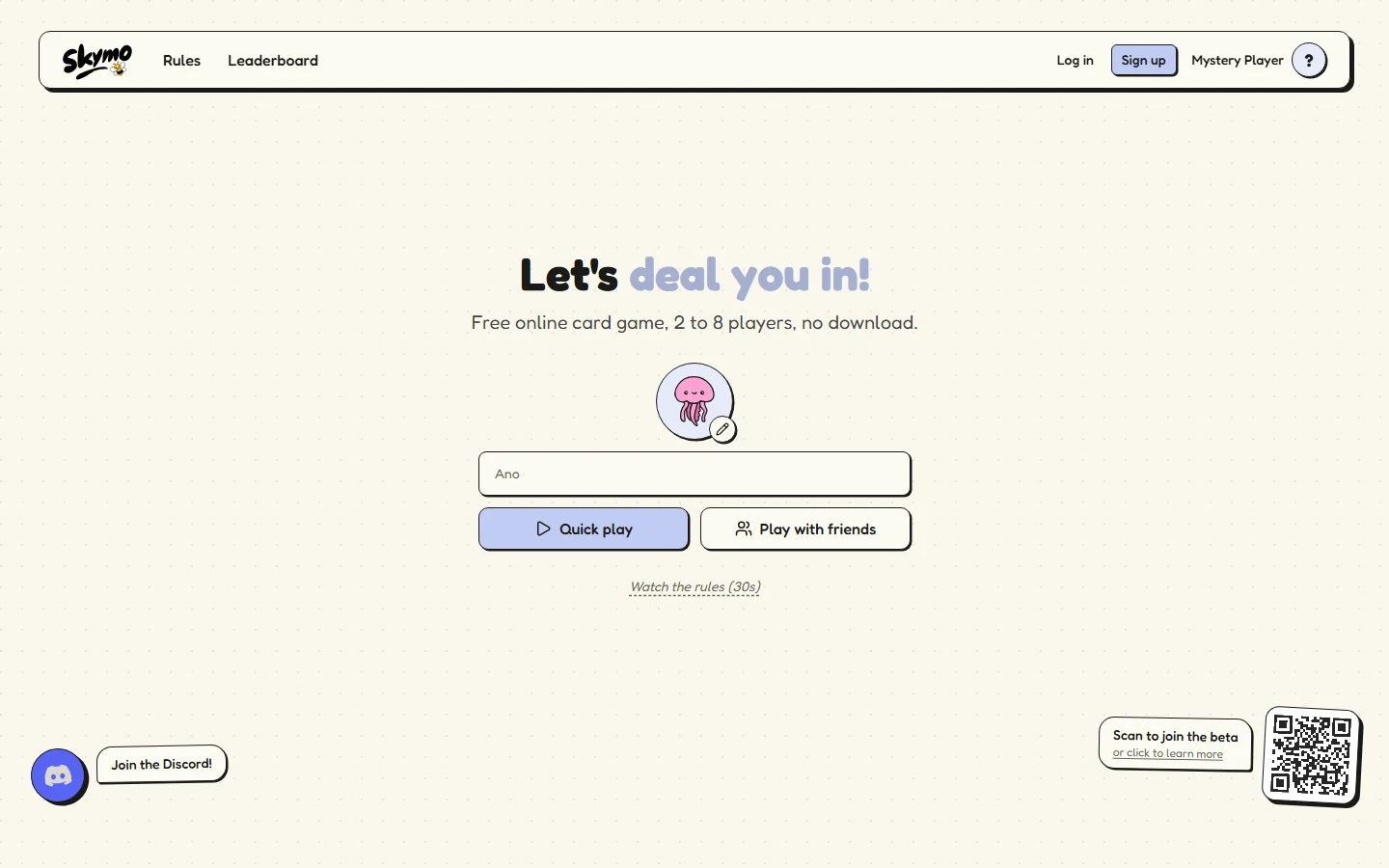
Short answer: Skymo is a convenient independent online game for 2–8 people. It can feel close to Classic SKYJO when the host selects matching settings, but it is not an official Magilano app and its optional rules can materially change the game.
What Is Skymo Online—and Is It Official SKYJO?
Skymo is a free, real-time number-card game that runs in a modern browser and is also offered as a mobile app. A table can hold 2 to 8 players, and the familiar objective is to finish with the lowest cumulative score. Each player manages a face-down grid, replaces or reveals cards, and tries to clear matching sets. That resemblance explains why people searching for an online SKYJO-style game often discover it.
The important distinction is ownership. Skymo says it is built and operated by Maxent Rouault, an independent developer in France. The boxed SKYJO card game, by contrast, is published by Magilano. Skymo's own game-page footer states that it is not affiliated with SKYJO's creators or distributors. Therefore, it is more accurate to call Skymo an independent digital platform, not an official SKYJO app, a Magilano service, or a digital edition of SKYJO Action.
Practical verdict
You can use Skymo for a quick remote low-score card session, but first check the host's settings. Its adjustable grid, clearing, score-target, and penalty options can produce a game that feels close to Classic SKYJO or one that behaves like a house-rule variant.
That boundary matters for learning. Digital automation can teach the rhythm of drawing, replacing, revealing, and managing visible risk, yet it may silently enforce a setting your physical group does not use. If your goal is to learn the boxed game precisely, keep the Classic SKYJO rules open as the baseline. If your goal is simply to get friends into a room with minimal friction, Skymo's guest-friendly design is the stronger part of its pitch.
How to Start a Free Skymo Game With Friends
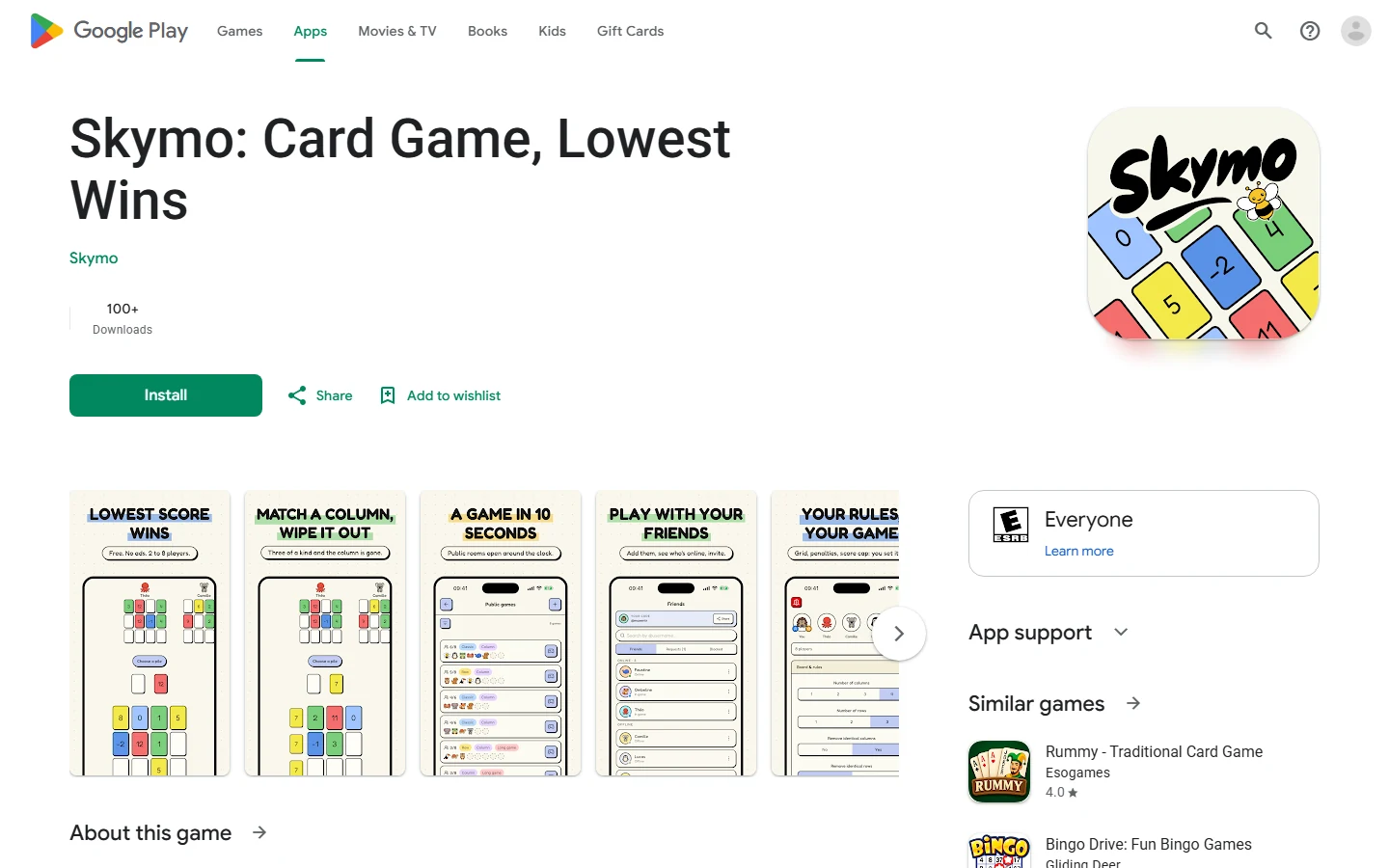
For a first session, let one person host in the browser and have everyone else join the private room. Skymo advertises guest play, so a friend should not need to create an account merely to take a seat. Its current Android listing also describes cross-play among web, Android, iPhone, and iPad. That makes “everyone open the same browser link” the safe fallback when a group has mixed devices.
- 1Choose Play with friends.
The host opens Skymo, selects the private/friends route, enters a display name, and creates the table.
- 2Set the rules before sharing.
For a Classic-like first game, retain a 3×4 grid, two starting reveals, column clearing, a 100-point finish, and the standard finisher-risk setting. Do not enable row clearing accidentally.
- 3Send the room link or code privately.
Friends join from their own screens. Keep the code in your group chat instead of posting it publicly, particularly if you want a closed table.
- 4Run a ten-second lobby check.
Read every player name aloud, repeat the score cap and clearing rule, then launch only when all intended players appear.
If somebody disconnects, pause the group's table talk and give that player time to rejoin; Skymo says reconnection during an active match is supported. Avoid immediately replacing the player or creating a second room, because split lobbies are harder to diagnose than one delayed reconnect. If the code fails for several people, have the host generate a fresh private room and resend one clearly labeled current code.
A voice call is helpful but not required. What matters is agreement on the settings the digital table will enforce. For more alternatives and expectations around remote-table etiquette, use the broader SKYJO online with friends guide.
Skymo Rules: The Turn, Round, and Scoring Loop
In the standard setup, every player receives 12 hidden cards arranged as four columns of three and reveals two. The digital deck follows a 150-card distribution: five -2 cards, fifteen 0 cards, and ten copies of every other value from -1 through 12. A game runs over rounds until a player reaches the configured finish threshold—normally 100 cumulative points—then the lowest total wins.
Take the visible discard
You know the value, but you must exchange it for one card in your grid. This is the controlled move: take a 0 to remove a visible 10, or accept a matching value to build a clearable column.
Draw from the hidden deck
You inspect the drawn card. Keep it by swapping, or discard it and reveal one hidden grid card. This route trades certainty for flexibility and advances your grid even when the draw is poor.
After the exchange or reveal, check the grid. Three identical face-up values in a vertical column are removed and no longer score. The tempting play is not always the individually lowest card: keeping a visible 6 can be correct when it creates a realistic second or third 6 in a column, because clearing all three removes 18 points. The cost is tempo and exposure—another player may take the discard you needed, while your remaining hidden cards stay unresolved.
A round is triggered to end when one player exposes every remaining card. The other players receive one final turn, hidden cards are revealed, and each grid is totaled. Under the standard positive-score finisher rule, the player who closed must be strictly lowest. Suppose the finisher has 14 and an opponent reaches 9 on the final turn: 14 becomes 28. A 14–14 tie is also unsafe because “strictly lowest” excludes a tie. Zero or a negative finisher total is not doubled under the Classic-style rule.
That penalty is the central timing decision. Revealing the last card is not automatically progress; it is a bet that opponents cannot undercut you with their final move. Before closing, compare visible totals, count each rival's unresolved cards, and ask whether the current discard gives the next player an obvious rescue. The broader SKYJO strategy guide develops that risk calculation for physical play.
Which House-Rule Settings Actually Change the Game?
Skymo lets the host adjust clearing directions, grid size, starting reveals, the game-ending score and the finisher penalty. These controls are not presentation preferences. Each changes how much information is hidden, how often cards disappear, how long a match lasts, or how aggressively a player can close a round.
| Setting | What changes | Editorial recommendation |
|---|---|---|
| Column clearing | Three identical vertical values can leave the grid, rewarding patient set-building. | Keep on for a Classic-like table. |
| Row clearing | Creates many more removal lines and makes horizontal positioning strategically relevant. | Leave off for newcomers; announce it clearly when enabled. |
| Grid and starting reveals | Fewer cells or more exposed cards reduce uncertainty and make rounds close faster. | Use 3×4 and two reveals for the familiar decision space. |
| Ending score | A lower cap produces fewer rounds; a higher cap gives bad starts more time to average out. | Use 100 for a full match; lower it only when time is limited. |
| Finisher penalty | Multiplier punishment scales with a bad grid; a fixed penalty can hurt even a small miss. | Use the positive-score multiplier for Classic-like finish tension. |
For a teaching table, choose the Classic-like preset and change nothing mid-match. It gives a new player one stable lesson: visible discards provide certainty, hidden draws provide flexibility, and a vertical triple is worth pursuing only when the score saved justifies the delay. If row clearing is quietly enabled, that same learner may build a horizontal line and later assume it works with a boxed Classic set.
For a short lunch-break game, reducing the target or grid is cleaner than adding several novelty rules at once. Change one variable, tell everyone what it does, and treat the result as a Skymo house-rule session. That produces a fair comparison; switching row clears, extra reveals and a fixed penalty together makes it impossible to know which setting actually improved the pace.
Browser or App? Android, iPhone, Accounts, and Cross-Play
Nobody needs to install an app for a first Skymo table. The browser route is designed for guest play, while Skymo also promotes Android and iOS apps with a phone-focused interface. Its current Android listing advertises cross-play across web, Android, iPhone and iPad, so choosing the app should be an individual convenience decision rather than a requirement imposed on the whole group.
| Choose | Best for | Tradeoff |
|---|---|---|
| Guest browser | One-off game night, school/work laptop, mixed devices, friends who resist sign-up | Less persistent identity; a mobile browser may feel less native than an installed app |
| Mobile app, guest | Repeat phone play without caring about rankings or cross-device history | Requires a store install and keeping the app updated |
| App or web account | Regular players who want stats, friends, games and progression to follow them | Creates an identity and associated data; review current privacy controls first |
Use the browser if the session starts in five minutes. Use the app if you already know you will play repeatedly on a phone. Create an account only when synced history, friends or rankings are valuable to you; the developer describes accounts as optional for basic play. That separation keeps a casual invitation from turning into four unnecessary downloads and four password-reset risks.
Treat store and privacy details as live data, not permanent promises. As of this review, Google Play says the Android app may collect personal information, encrypts data in transit and supports deletion requests. Skymo's privacy page further distinguishes guest and registered-player data. Before installing, confirm the listing points to the Skymo domain/developer, read the current disclosure on your regional store, and avoid similarly named scorekeepers if your goal is actual multiplayer gameplay.
If you are comparing multiple digital options, the SKYJO app and mobile downloads guide explains the difference between playable adaptations, score-only companions and browser shortcuts.
Skymo vs Classic SKYJO: What Carries Over—and What Does Not
A default Skymo room can rehearse much of the Classic decision loop: manage 12 cards, choose a known discard or unknown draw, expose hidden information, clear identical vertical triples, and keep the total low. Those skills transfer. The product identity and every optional setting do not. Magilano's SKYJO is the published boxed game; Skymo is an independent service that automates a similar low-score system.
| Question | Classic SKYJO | Skymo |
|---|---|---|
| Who provides it? | Magilano publishes the physical product. | An independent developer operates the digital platform. |
| Core layout | 12 cards, 4 columns × 3 rows, two initially revealed. | Can match that layout, but the host may reduce grid size or alter reveals. |
| Matching removal | Three identical revealed cards in a vertical column. | Column clearing is supported; row clearing can be separately enabled. |
| Rules enforcement | Players handle legal moves, removal, score and disputes. | Software reveals, removes and totals according to room settings. |
| Physical signals | Handling speed, table attention and manual score discussion are visible. | Interface cues and timers replace some face-to-face rhythm. |
Automation is both help and hazard. It prevents a player from taking the visible discard and then rejecting it, and it totals grids without arithmetic mistakes. But a beginner may see a column vanish without learning why, or accept a doubled finisher score without noticing that a tie was not strictly lowest. During a teaching game, narrate the first occurrence of each automated event.
Do not use the presence of row clearing to infer SKYJO Action rules. Action is a separate Magilano edition with its own Action and Star cards and edition-specific interactions. A Skymo toggle is simply a configurable digital rule unless the platform explicitly defines otherwise. Likewise, a strong Skymo strategy may be tuned to a short target, timer or row-clear room and fail at a physical Classic table.
For accurate transfer, copy the Classic-like preset, play at least one full 100-point match, and explain the finisher penalty aloud. Then visit the SKYJO version comparison before moving from Classic to Action or another boxed edition.
Is Skymo Worth Playing? Best Use Cases, Limits, and Quick Verdict
Skymo is worth trying when the primary problem is getting a remote group to the same table quickly. Browser guest access removes the install-and-account argument, private codes serve an existing friend group, and the advertised 2–8 player range covers both head-to-head and party-sized sessions. Automatic dealing, legal moves, clearing and scoring also keep a voice call focused on decisions rather than bookkeeping.
Best fit
Friends in different places, mixed phones and computers, little setup time, and a host willing to confirm the rule preset.
Use carefully
Teaching official Classic rules, competitive comparisons across rooms, or play where privacy and persistent stats matter.
Choose something else
Offline game night, tactile card handling, a guaranteed official implementation, or SKYJO Action's edition-specific cards.
The strongest claims are practical: the developer describes the service as free and ad-free, without energy limits or pay-to-win advantages, and the current app listing advertises private rooms, public matchmaking, cross-play and reconnect. The biggest limitation is structural rather than mechanical. A one-person independent service can add features rapidly, but availability, languages, moderation capacity and interface behavior can also change without the continuity expected from a major publisher.
Physical play still offers signals the interface cannot reproduce: who hesitates over a discard, who is watching your column, and whether the group understands why a penalty applied. Conversely, online automation is useful when arithmetic or illegal swaps normally slow your table. Neither format is universally better; the choice depends on whether your night values presence or access.
Quick verdict: choose Skymo for a convenient, free remote session, keep the Classic-like preset for the first game, and describe it honestly as an independent platform. Recheck its live store pages and room settings whenever you return after a long break.
Players who want to compare it with other browser rooms before committing can start at the broader online multiplayer guide.
Your first-session setup
Start in the browser, create a private room, use a 3×4 grid with two revealed cards, column-only clearing and a 100-point target, then read the finisher setting aloud. After one complete match, decide whether an app, account or house-rule preset would genuinely improve the next session. For other options, open the SKYJO online play hub.

Loading comments...